


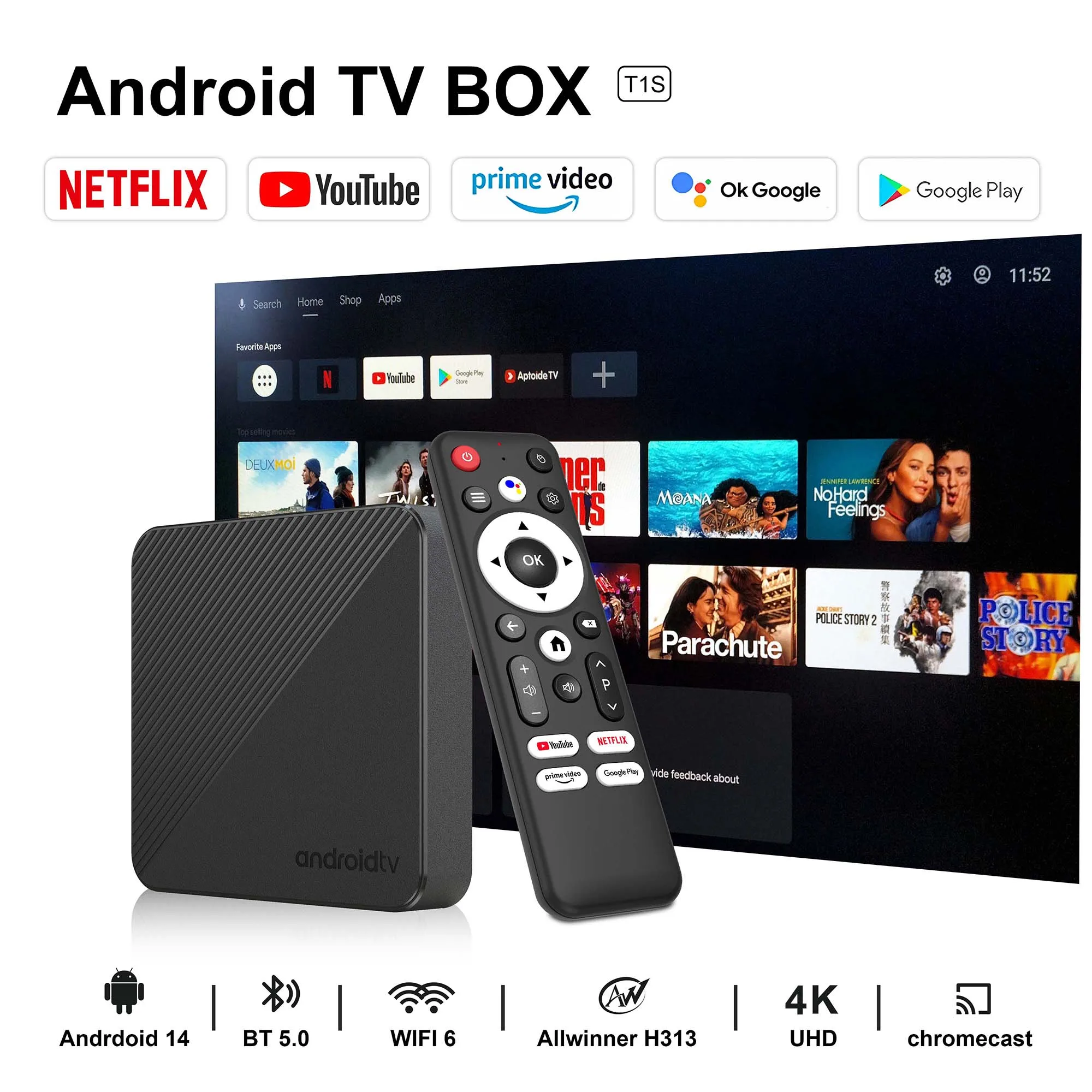



Android14 Smart TV Box Wifi6 AllwinnerH313 Chip Quad core 100M Lan Bluetooth 5 4K video Chromecast Streaming Media Player T1S
RM 22.17 RM 26.61Price range: RM 20.53RM 22.17 through RM 24.64RM 26.61 Excl. SST (-55%)
Features


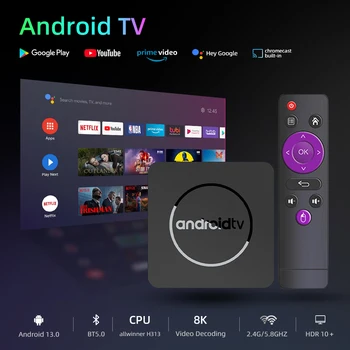
Equipped with a powerful H313 processor, the Mali-G31 GPU
leads the way in image processing. Ensure smooth operation and response. The Android TV box comes with 2GB / 16GB flash memory. You can also use an additional 128GB SD card, and 128GB TF card to expand the memory to the required capacity. It provides plenty of space to install apps, games, and more.

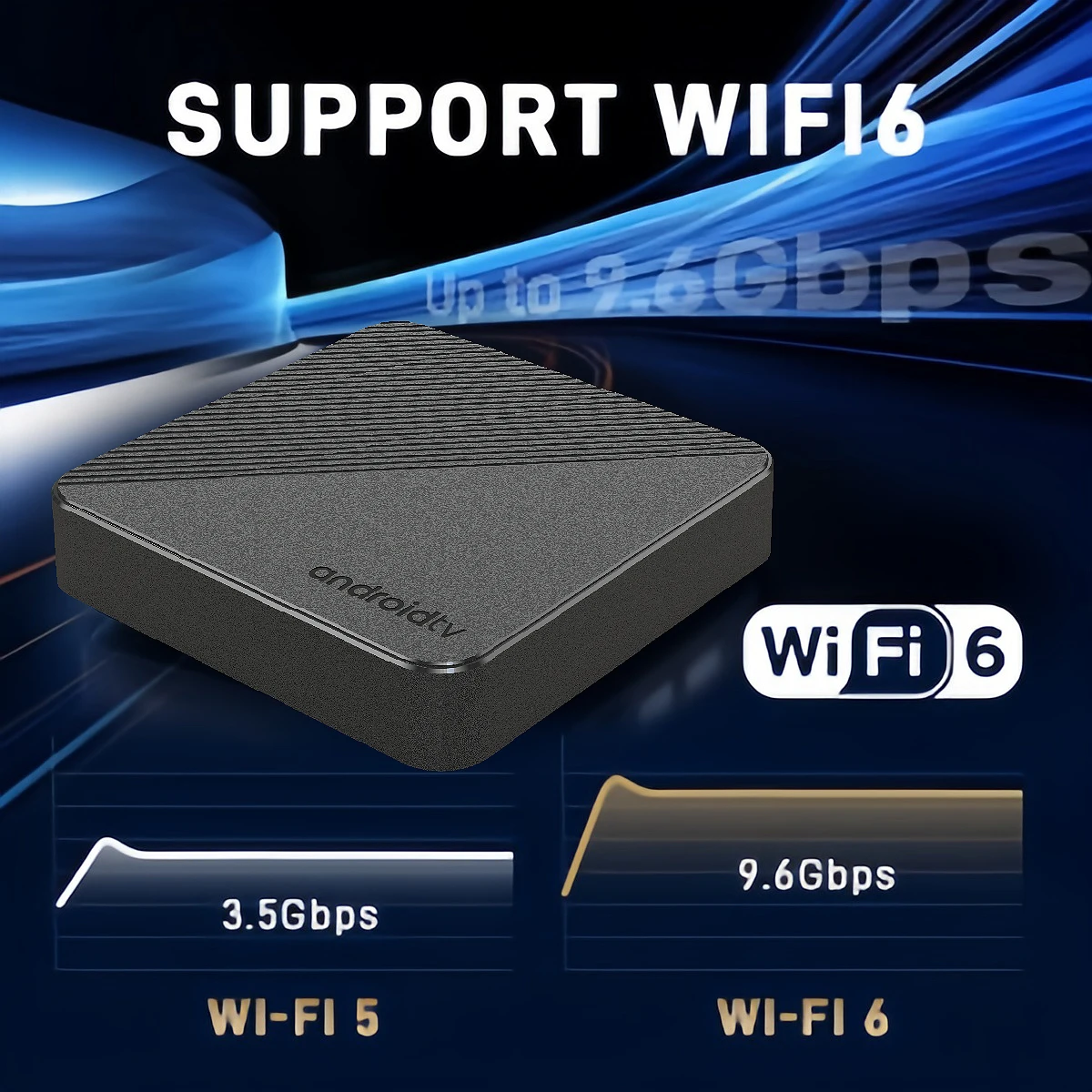
T1S TV Box adopts sixth-generation WIFI transmission technology,
integrated dual-band 2.4G/5G Wi-Fi, the Wi-Fi wireless signal is stronger and more stable, transmission speed is faster.Dual WiFi technology provides greater network adaptability and flexibility, meeting the needs and requirements of different users and environments. The stable and fast signal ensures a good experience when watching high-definition movies.


Support Bluetooth 5.0
allows Bluetooth devices such as speakers, wireless keyboards, game controllers, etc. to connect to the TV box, which can bring a better experience for you.

The Android TV box supports 4K@60fps resolution output.
Supports decoding of most formats. You can easily enjoy a cinema-like visual feast at home. Support mobile phong mirroring and casting to share every wonderful moment with your family and friends.


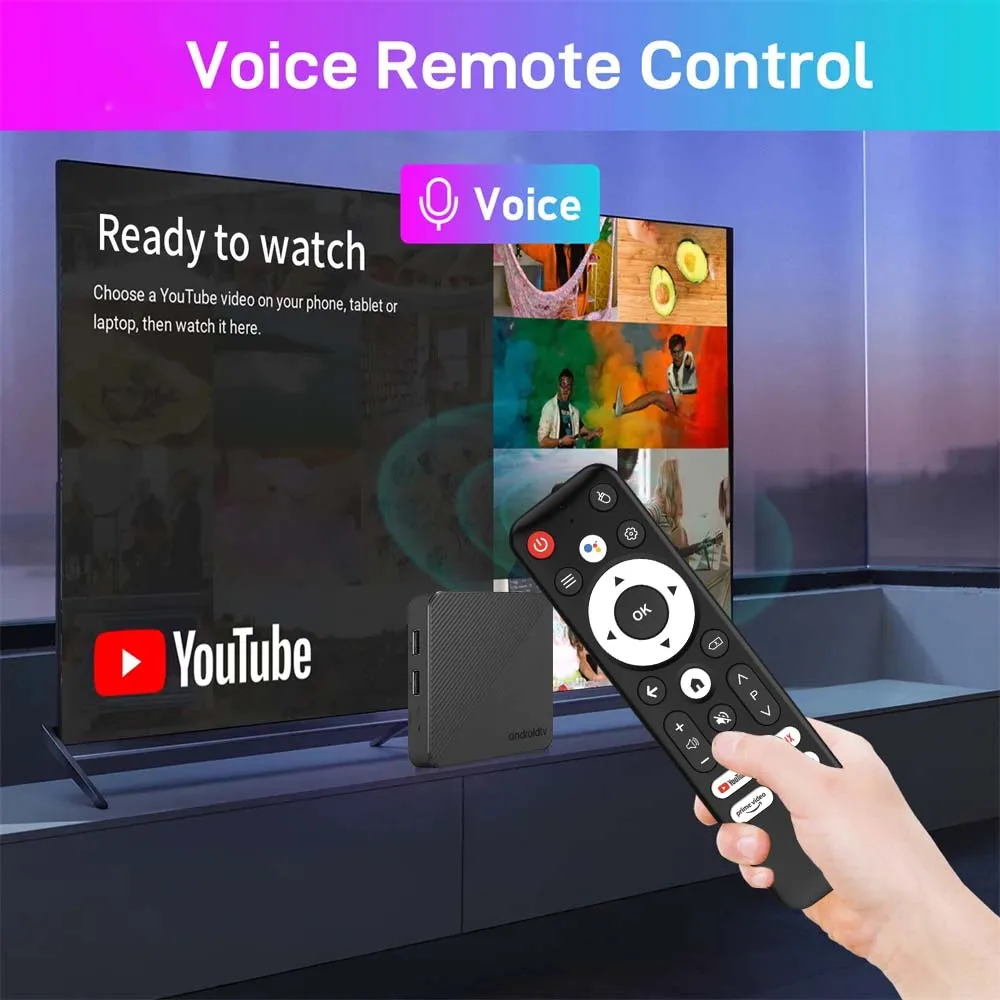
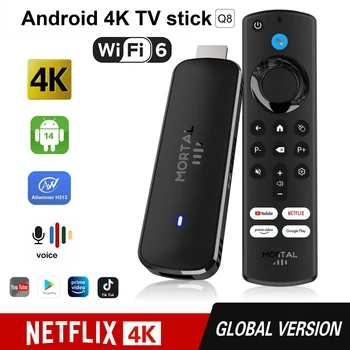
Hold down the Google assistant button and tell it what software you want to open.
you can one key directly NETFLIX, YouTube, prime video, Google play interface. Of course,
you can also ask about the weather, etc.

With elegant design and excellent performance,
our products are warmly welcomed internationally.

Product dimensions&Interface introduction


USB 2.0 ports allow you to connect external storage devices
such as USB flash drives or external hard drives to expand the storage capacity.you can connect a USB drive containing their favorite movies, music, or photos to the box and enjoy them on their TV screens.Beside that, USB 2.0 allow you to connect keyboards, mice, or game controllers. This enhances the user experience by providing additional input options and facilitating easier navigation.
|
OS |
The latest Android 14.0 |
|
WiFi |
Dual-wifi 2.4G 5.8G (IEEE802. 11 a/b/g/n/) |
|
RAM&ROM |
2GB+16GB |
|
Supported Resolution |
1080P 4K 6K 8K |
|
wired connection |
1000M |
|
BT |
BT5.0 |
What the product contains
1* Andriod Tv Box
1* Bluetooth Remote
1* HDMI Cable
1*power adapter 5V/2A
1* User Manual


Tips: Please use our standard cable to connect the set-top box power supply and HDMI interface.
kind tips
How to install T1S TV box?
Step 1: Connect one end of our standard HDMI cable to the HDMI interface of the set-top box , and the other end to the HDMI interface of the TV
Step 2: Use our standard power plug to connect the set-top box to power,
Step 3: Open the network settings, connect to the network, and you can surf the Internet normally。
Please ensure that you connect the HD cable to the TV box first, and then connect the power adaptor to the TV box. Incorrect connection may cause issues such as a frozen or distorted screen, or a lack of signal.
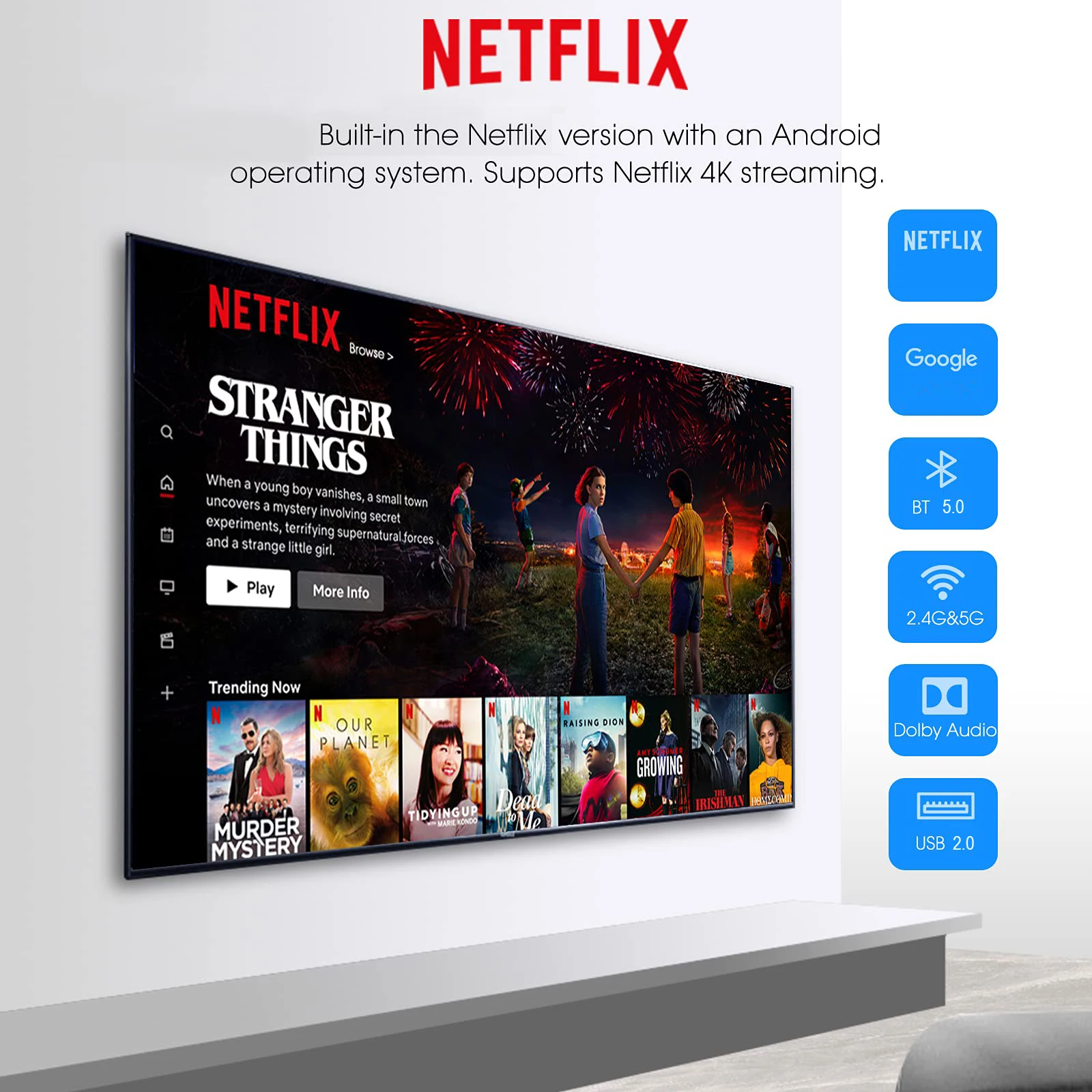
How to use netflix?
Step 1, please confirm that the machine network is connected;
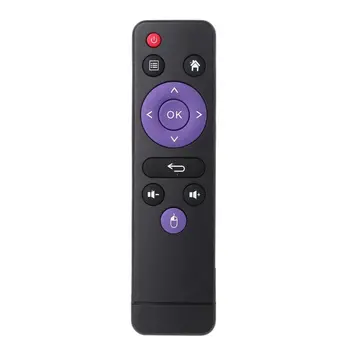
Step 2, find the black icon Netflix, click enter, click the mouse mode button on the remote control, switch the remote control to mouse mode, click continue to the next step, a pop-up window will appear for entering account password interface;
Step 3, click the mouse button again to switch the remote control mode back to remote control mode, enter the account password, log in successfully,
Step 4, click the mouse mode button on the remote control again ,switch the remote control mode to mouse mode again, and click on the desired source to watch it normally.
If you are experiencing slow WiFi speed
please check whether your router is WiFi 6 and if it is compatible with WiFi 5. Our box supports WiFi 5, and some WiFi 6 routers only operate in the ax mode on the 5GHz frequency, without supporting the compatible WiFi 5 AC mode. This may result in slower speeds.
Remote can’t navigate on some Apps
It is a common issue for most of android tv box that hard to navigate on some Apps with the remote, as these Apps are mainly provided for tablets and phones that have touch screen settings or mouse. You can connect a mouse or a wireless keyboard to control it.Or click the mouse button on the remote control to switch the remote control mode to the mouse mode
If your TV box needs to be restarted after a period of using
it may be that some apps you installed are not compatible or some data is damaged. It is recommended that you “factory data recovery” in the settings.

Additional information
| Weight | 4 lbs |
|---|---|
| Dimensions | 19 in |
| Brand Name | LVMAO |
| Category | Set Top Box |
| CPU | Allwinner H313 |
| Supported Internet Services | Explore 3D |
| Memory | 2 G DDR3 |
| Internal Storage | 16GB eMMC |
| High-concerned chemical | None |
| Wireless | Yes |
| Inbox adaptor | Yes |
| Ethernet | 100M |
| Origin | Mainland China |
| Video Output | HDMI-Compatible 2.0 |
| OS | Android tv |
| Bluetooth | Yes |
| Power Source | DC |
| Wi-Fi Transmission Standard | 802.11n 2.4GHz/5 GHz |
| Weight | 0.35KG |
| System | Android 13.0 |
| Max Output | 4K @ 60 Hz |
| Power (W) | DC 5V,2A |
| GOOGLE Cast | Yes |
| Voice assistant built-in | Yes |
| GPU | Mail-G31 MP2 |
| Remote controller included | Yes |
| Certification | RoHS |
| IPTV | Yes |
| Remote Control | Included |
| Power consumption[W] | 5V2A |
| Max. Extended Capacity | TF Card Up To 128GB |
| Auto Frame Rate | Yes |
| USB Ports | 2x USB 2.0 |
| OTA Update | Yes |
| HDR Standards | HDR10 |
| System Upgrade | Yes |
| Video Code | MPEG-4 |
| Choice | yes |
by l***r
Great decoder for such a price, everything works as it should, and the old TV is now like a new Smart TV <3.