


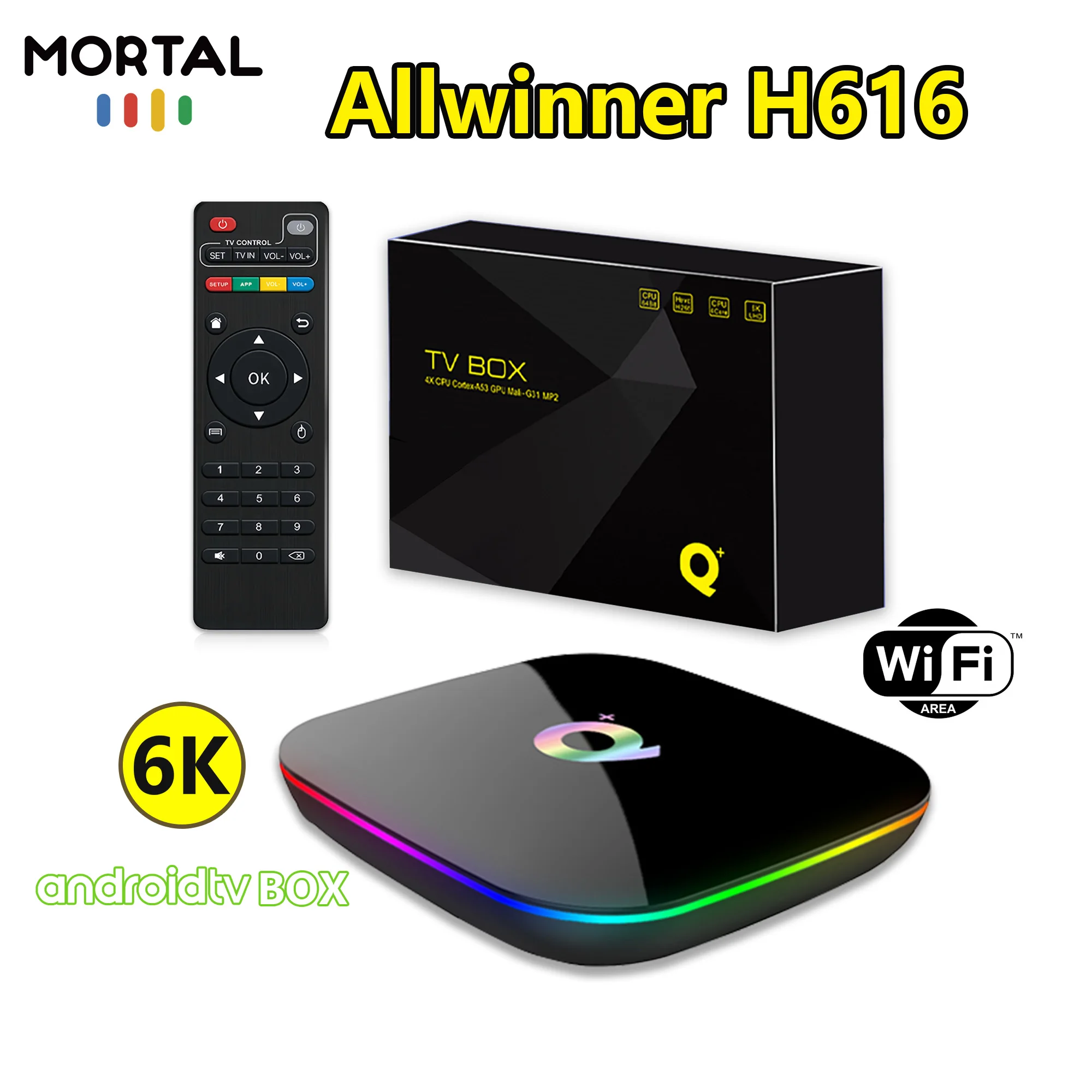
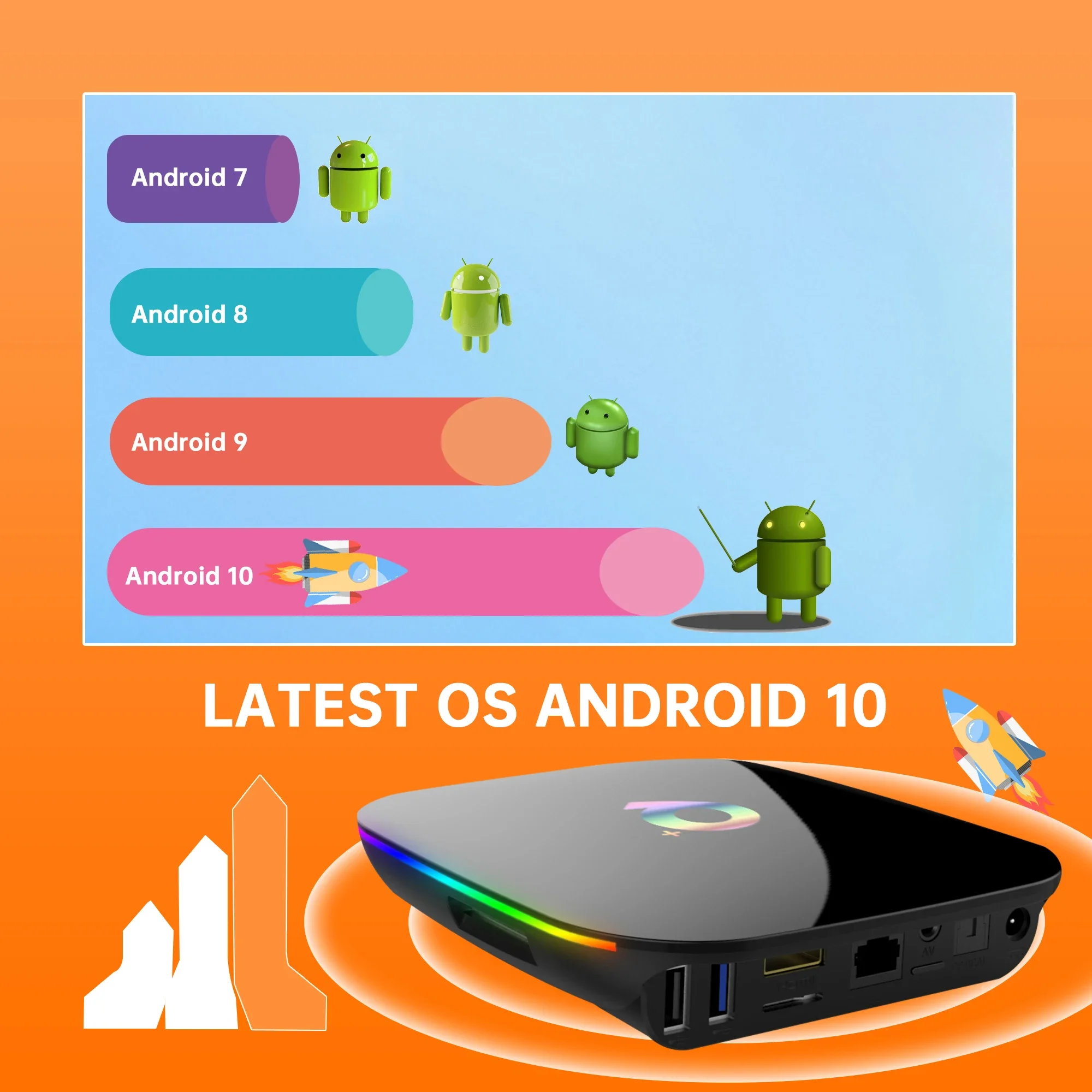
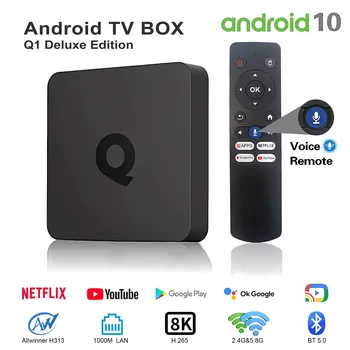
Newest TV Box Q Plus Android 10 HD Ultra 6k 3D Ultra Allwinner H616 Support USB HDMI Streaming Media Player Set-Top Box
RM 28.28 RM 31.75Price range: RM 26.18RM 28.28 through RM 29.40RM 31.75 Excl. SST (-80%)
Without speaker
Without battery


1. Make sure you have installed a compatible APK. If it does not work properly after installing an APK, go to Settings, find the APK and restore it to normal mode to restore normal operation.
2. If the TV BOX restarts repeatedly after a few seconds or minutes, or the front panel lights up red, the problem is that your TV output voltage and current are not 5V/2A, you can use a 5V/2A adapter to power it. It should work normally.
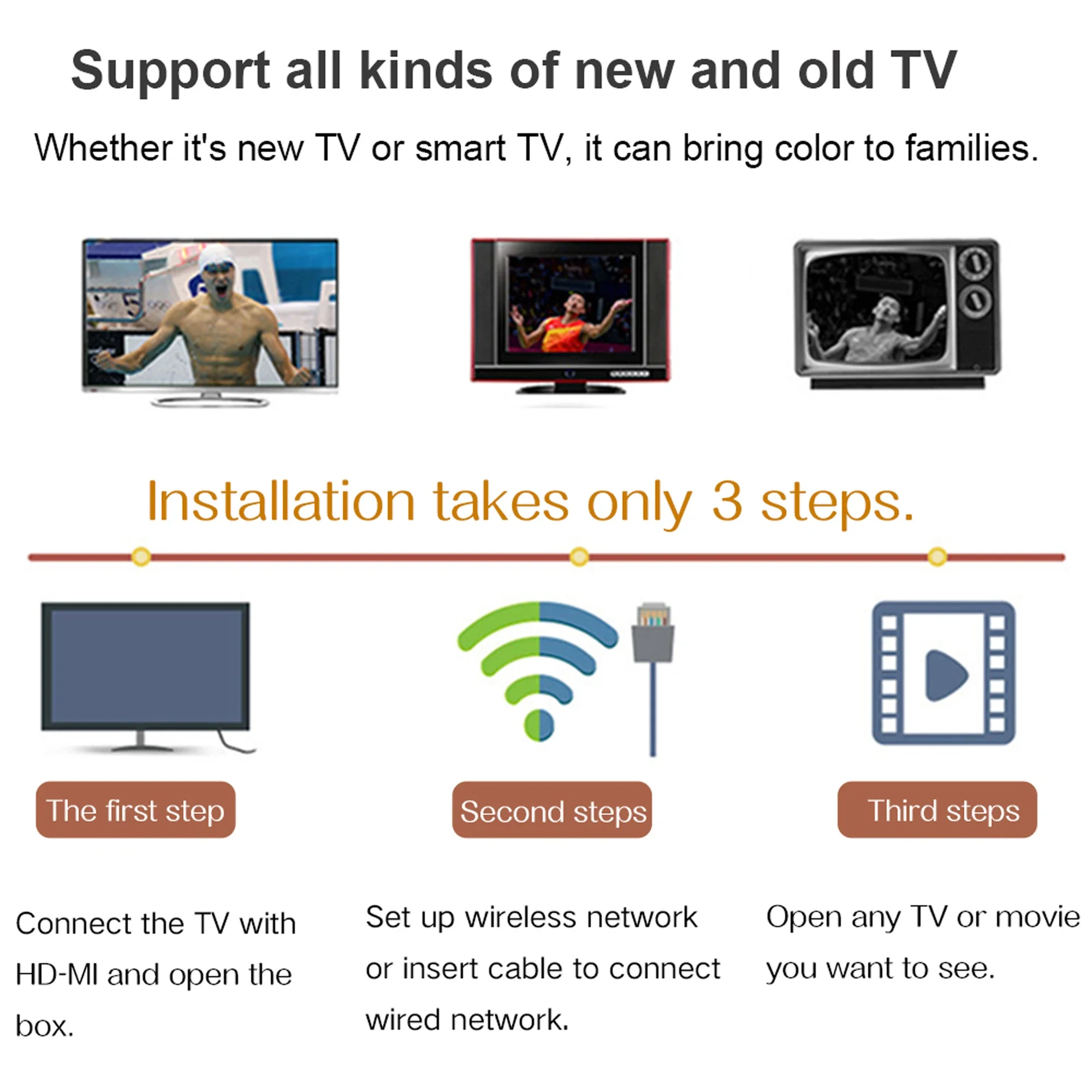
3. Installation steps: ➡
Step 1: Connect one end of our standard HDMI cable to the HDMI port of the TV BOX and the other end to the HDMI port of the TV.
Step 2: Use a standard power plug to power the set-top box. (5V2A)
Step 3: Open the network settings, connect to the network, and you can surf the Internet normally.
Please make sure to connect the HD cable to the TVbox first, and then connect the power supply to the TV box
Wrong connection may cause problems such as picture freeze, distortion or insufficient signal.
4.How to use Netflix?
1. After connecting to WiFi, open the APP, find the black Netflix software, and click to open
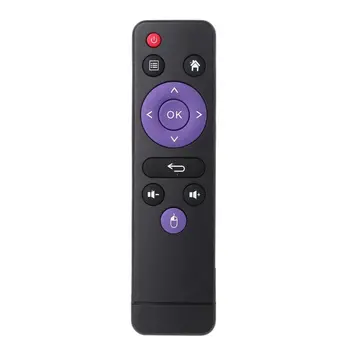
2. After clicking to open Netflix, the login interface will appear. Click the mouse switch button on the remote control to switch the remote control to mouse mode, and click the login button of the software
3. Click the mouse button again to switch the remote control to remote control mode, enter the account password to log in
4. Use the mouse mode of the remote control to click the video to be played
Remote can’t navigate on some Apps
It is a common issue for most of android tv box that hard to navigate on some Apps with the remote, r click the mouse button on the remote control to switch the remote control mode to the mouse mode.
5.If your TV box needs to be restarted after a period of using
It may be that some apps you installed are not compatible or some data is damaged. It is recommended that you “factory data recovery” in the settings.
Additional information
| Weight | 5 lbs |
|---|---|
| Dimensions | 13 in |
| Brand Name | LVMAO |
| Category | Set Top Box |
| CPU | Allwinner H616 |
| Supported Internet Services | Explore 3D |
| Memory | 4 G DDR3 |
| Internal Storage | 32GB eMMC |
| High-concerned chemical | None |
| Wireless | Yes |
| Inbox adaptor | No |
| Ethernet | 100M |
| Origin | Mainland China |
| Video Output | HDMI-Compatible 2.1 |
| OS | Android |
| Bluetooth | No |
| Power Source | DC |
| Weight | 0.43KG |
| System | Android 10.0 |
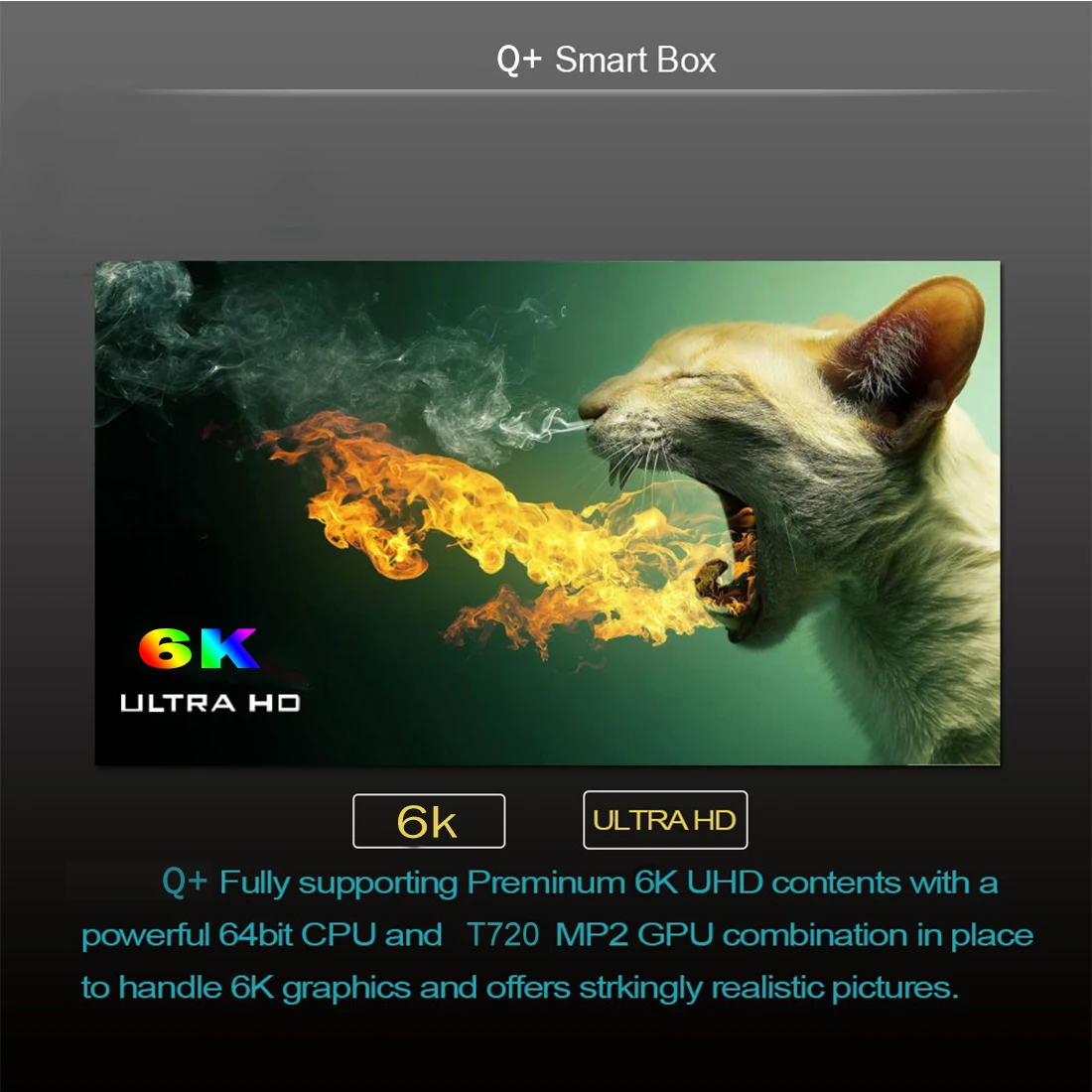
| Max Output | 6K @ 30 Hz |
| Power (W) | DC 5V,2A |
| Remote controller included | Yes |
| Certification | RoHS |
| Remote Control | Included |
| Power consumption[W] | 5V2A |
| USB Ports | 2x USB 2.0 |
| HDR Standards | HDR10 |
| Built-in Speaker | NO |
| Built-in Battery | NO |
| Choice | yes |


Reviews
There are no reviews yet.