


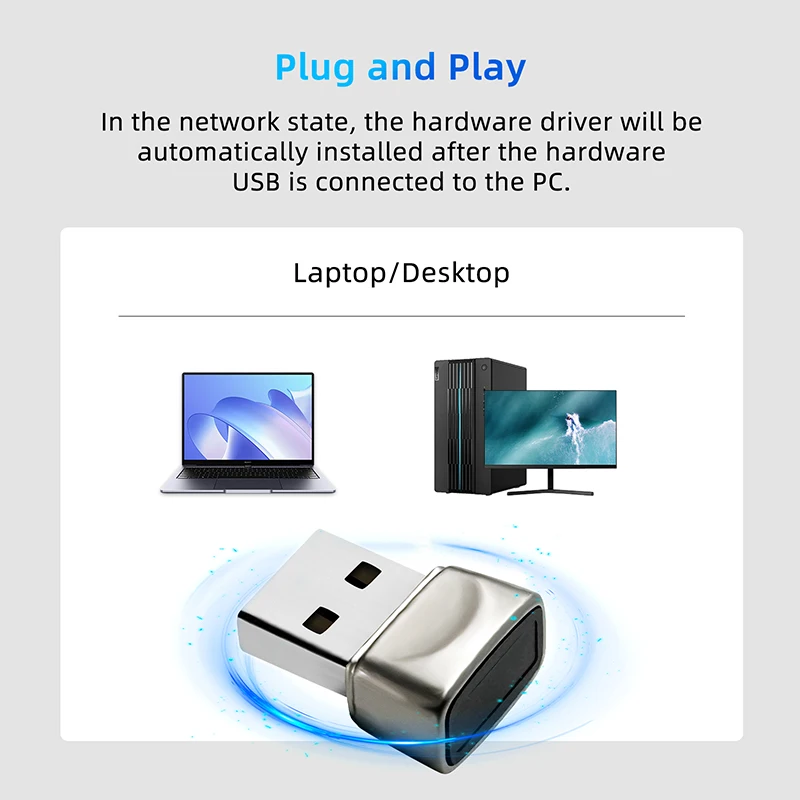
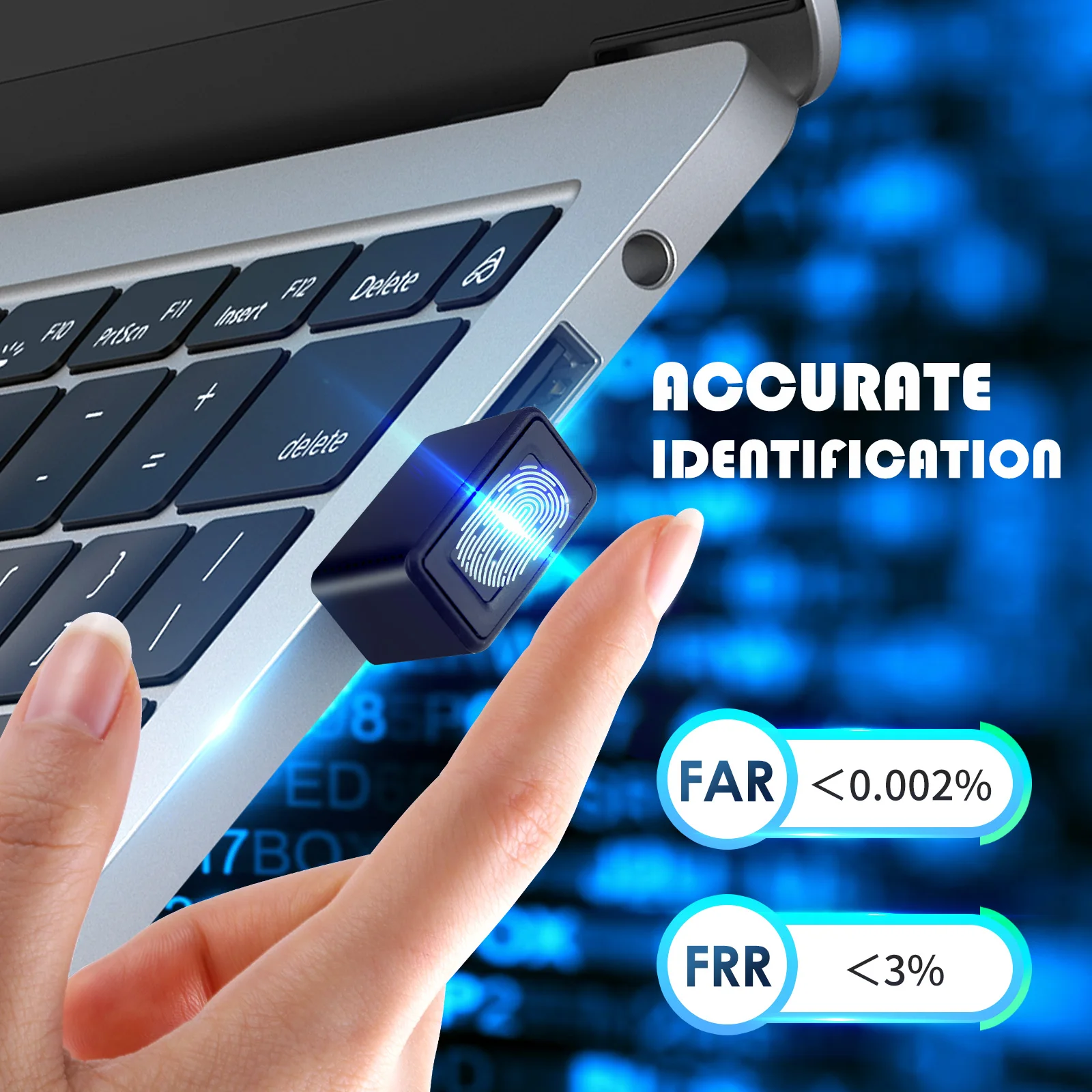
Hello Windows 10 Mini Biometric Fingerprint Login Lock Biometric Scanner USB Metal Fingerprint Reader Module For PC Laptop
RM 26.06 RM 26.11Price range: RM 24.13RM 26.06 through RM 24.17RM 26.11 Excl. SST (-86%)
Description:
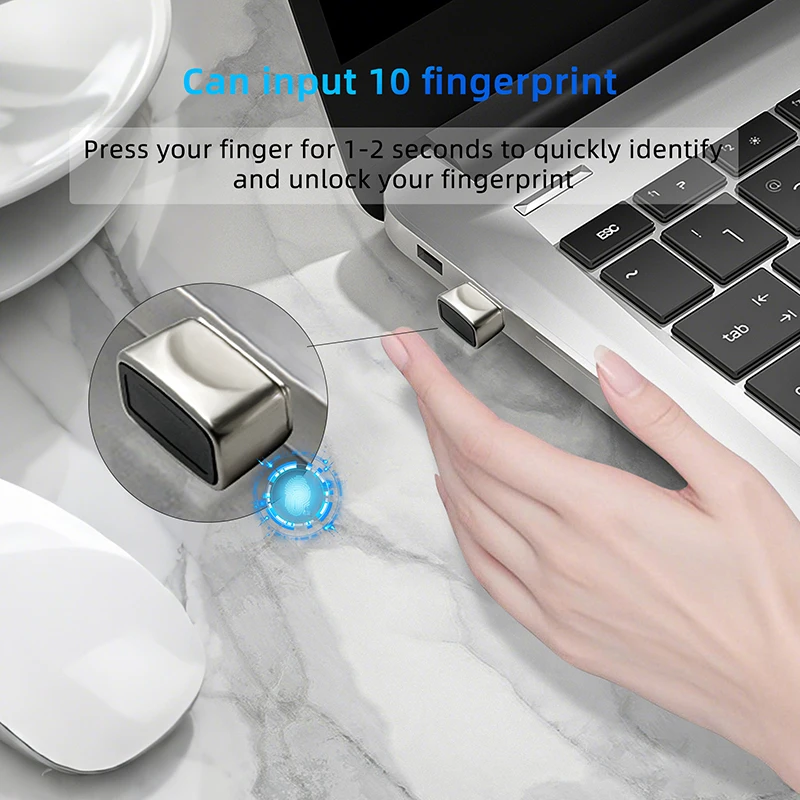
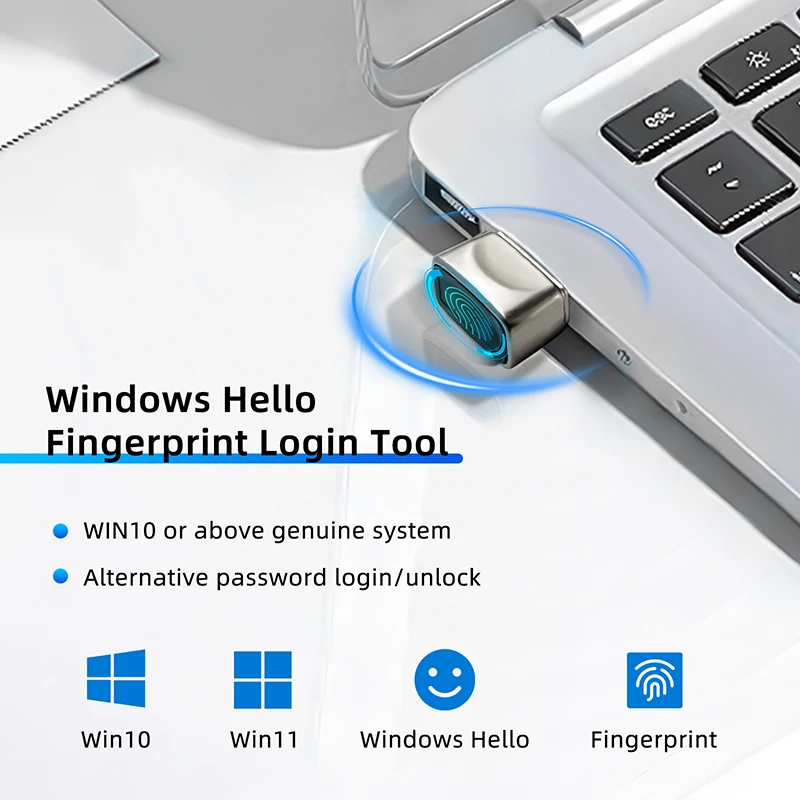
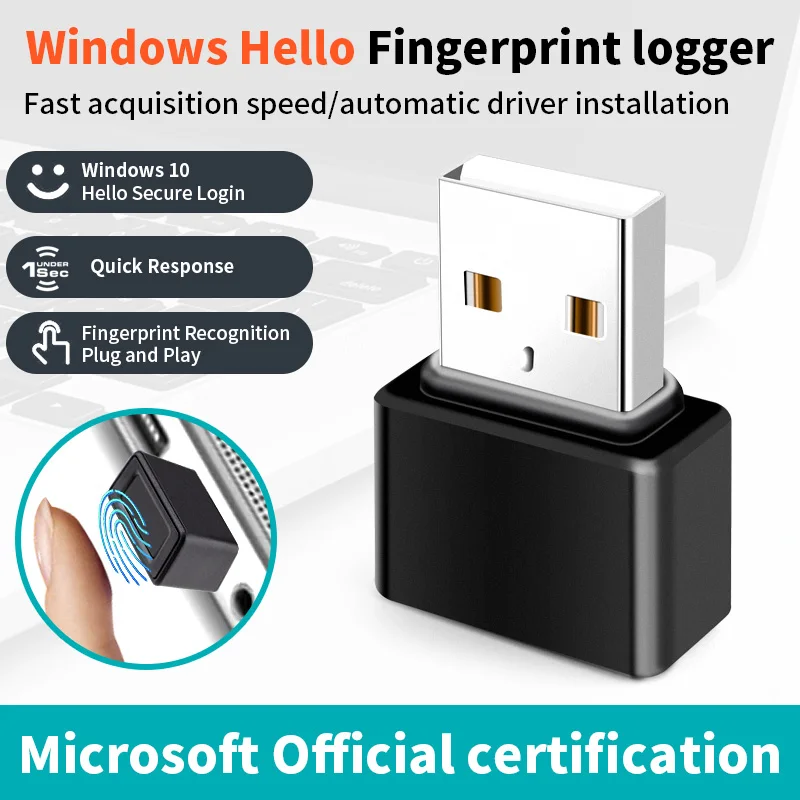
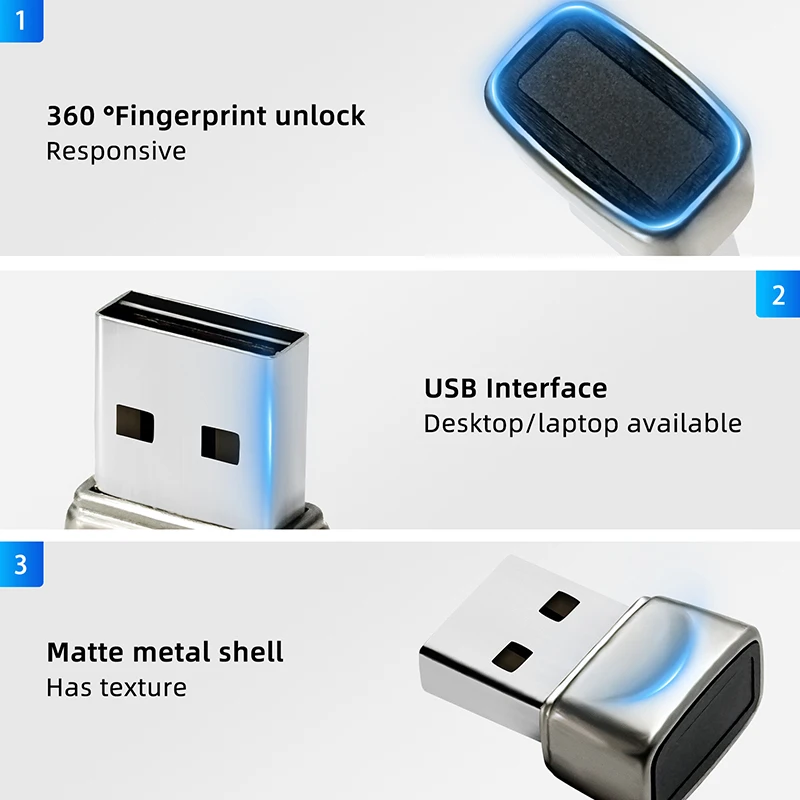
1. Windows Hello is a biometric authorization method that gives you real-time access to your Windows 10 device.
2. With Windows Hello, users can be instantly recognized on new devices running 3. Windows 10 with the touch of a finger.Windows Hello is not only more convenient than entering a password, it’s also more secure.
4.Windows Hello also unlocks keys for Windows, apps, data, and even websites and services, instead of using a string of randomly arranged letters or numbers that can easily be forgotten, cracked, or written down by hand.
5.Windows Hello also unlocks Windows, apps, data, and even websites and services, instead of using a randomized string of letters or numbers that can be easily forgotten, cracked, or written down.
Frequently Asked Questions
Q: Can I still use my original password after using Windows hello?
A: After installing the Windows hello device and setting your fingerprint, you can choose to use your original password, your original PIN code and your newly registered fingerprint.
Q. Do I need to register my fingerprint when I unplug Windows hello and plug it back in?
A: No, you don’t need to register your fingerprint again when you plug in your device next time or when you buy a new device.
Q: Why do I get an error when I press my finger when registering my fingerprint?
A: It is possible to use ghost software to install the system, this kind of system usually uses administer directly.this kind of system usually uses administer user directly, and Microsoft prohibits the use of this kind of user, you need to add a new user and then use Windows hello.
Note:
This software supports 32-bit and 64-bit systems on Microsoft Windows 10 and above.


Additional information
| Weight | 10 lbs |
|---|---|
| Dimensions | 4 in |
| Brand Name | None |
| High-concerned chemical | None |
| Origin | Mainland China |
| Model Number | FP200/WA27 |




by 9***r
Good, i did made working in linux, it’s fast, it’s ok for the money. At least i don’t have to type password every time i need sudo.
by Customer
Fine really. Works immediately under windows 10. Next thing to do: linux and fprint.
by Customer
A life changing product. Instead of entering pin code every time you enters the computer after time out, i just put my finger on it. Great competability to windows hello very accurate.
by T***a
Works plug and play with win11
by Customer
Automatic driver install and working with hello on windows 11
by Customer
I am very satisfied with this fingerprint reader. Works with Windows 11, I needed to install drivers for it. Link to drivers can be found in the manual. A good purchase!
by Customer
It arrived in Mexico City in approximately 2 weeks, delivered by Canaino, I didn’t have to pay taxes. I recommend the product and the seller.
by P***z
Works just fine on windows. Fast, convenient and secure
by D***s
Convenient fingerprint reader plugs into my keyboard usb port for easy access to unlocking the screen.
by e***r
Good quality, works as designed (tested in windows 11 using windows hello)
by Customer
The driver is automatically installed in Windows 11, and you can register your fingerprint in hello. It’s neat because you don’t need to install separate utility drivers. It’s easy to position on a laptop, but it’s difficult to position your finger accurately on a PC. I think a wider sensor area would be better.
by Customer
excellent…works on the first try..I don’t have to update anything..great
by u***s
Very fast shipping and receiving through a transportation agency. The configuration on W11 is quick and intuitive. Remember to set a PIN and check beforehand how many and which characters are valid. The fingerprint reading on the first attempt is fast.
by J***a
Working as intended, setting up was easy and windows is working with it without issues. There is also a a guide what to do before.
by Customer
Works just fine with win11. Plug & play. I registered 2 fingers, and no false positives yet.
by Customer
It works out of the box. You enroll in windows and that’s it.
by Customer
I was able to use it on Windows 11 without installing additional drivers. The authentication was fast and convenient. It greatly improves the convenience of computers that do not support biometric authentication. Highly recommended.