


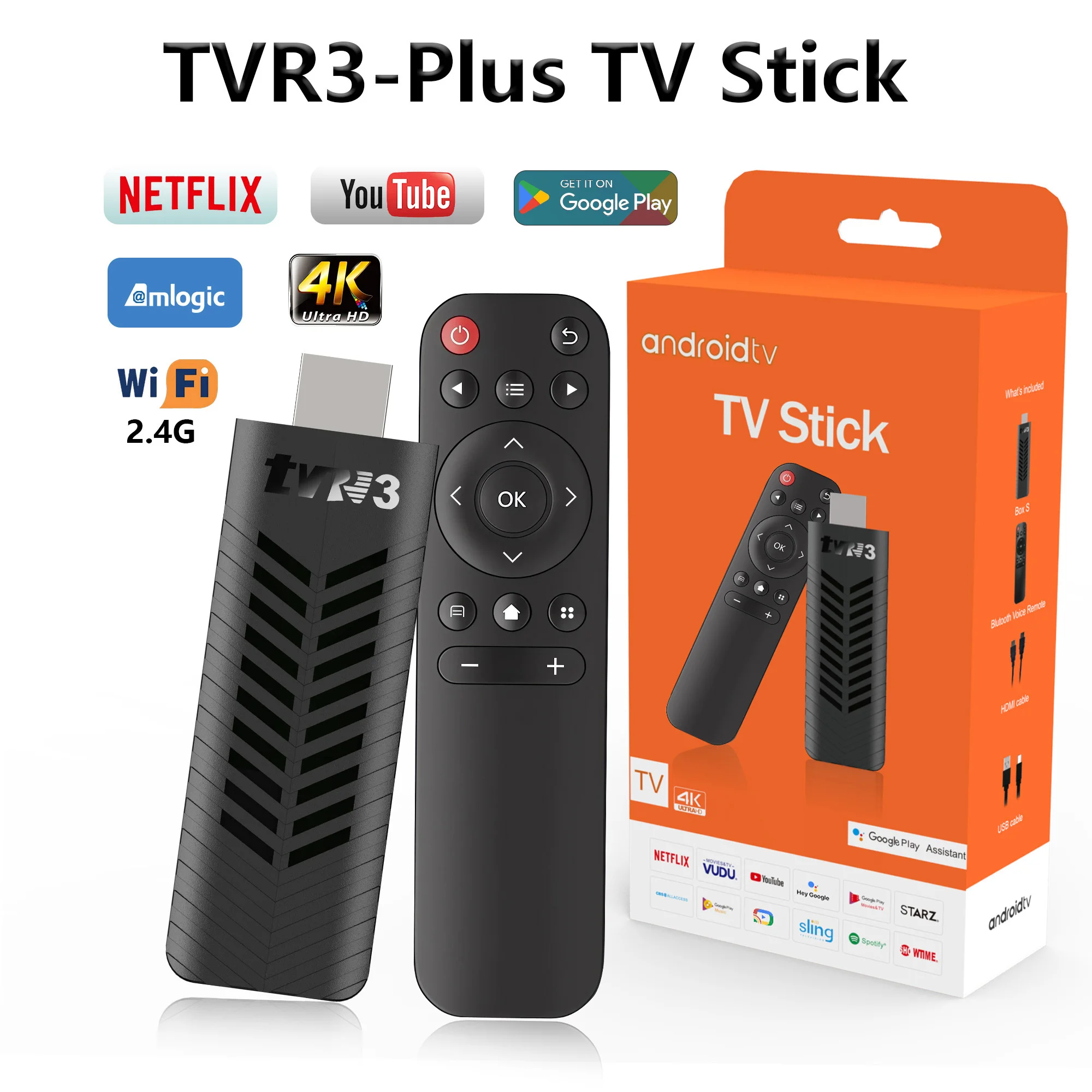
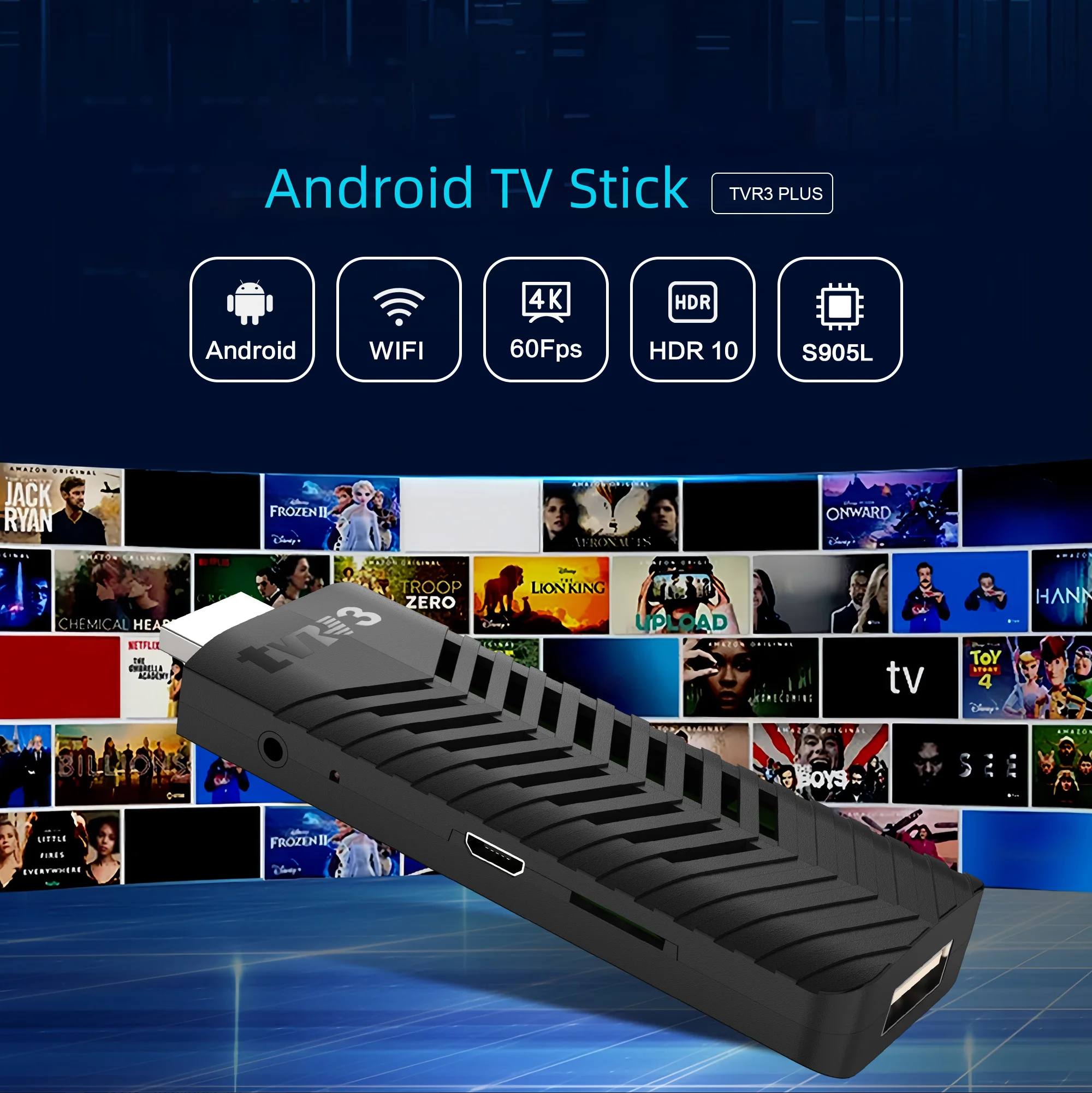
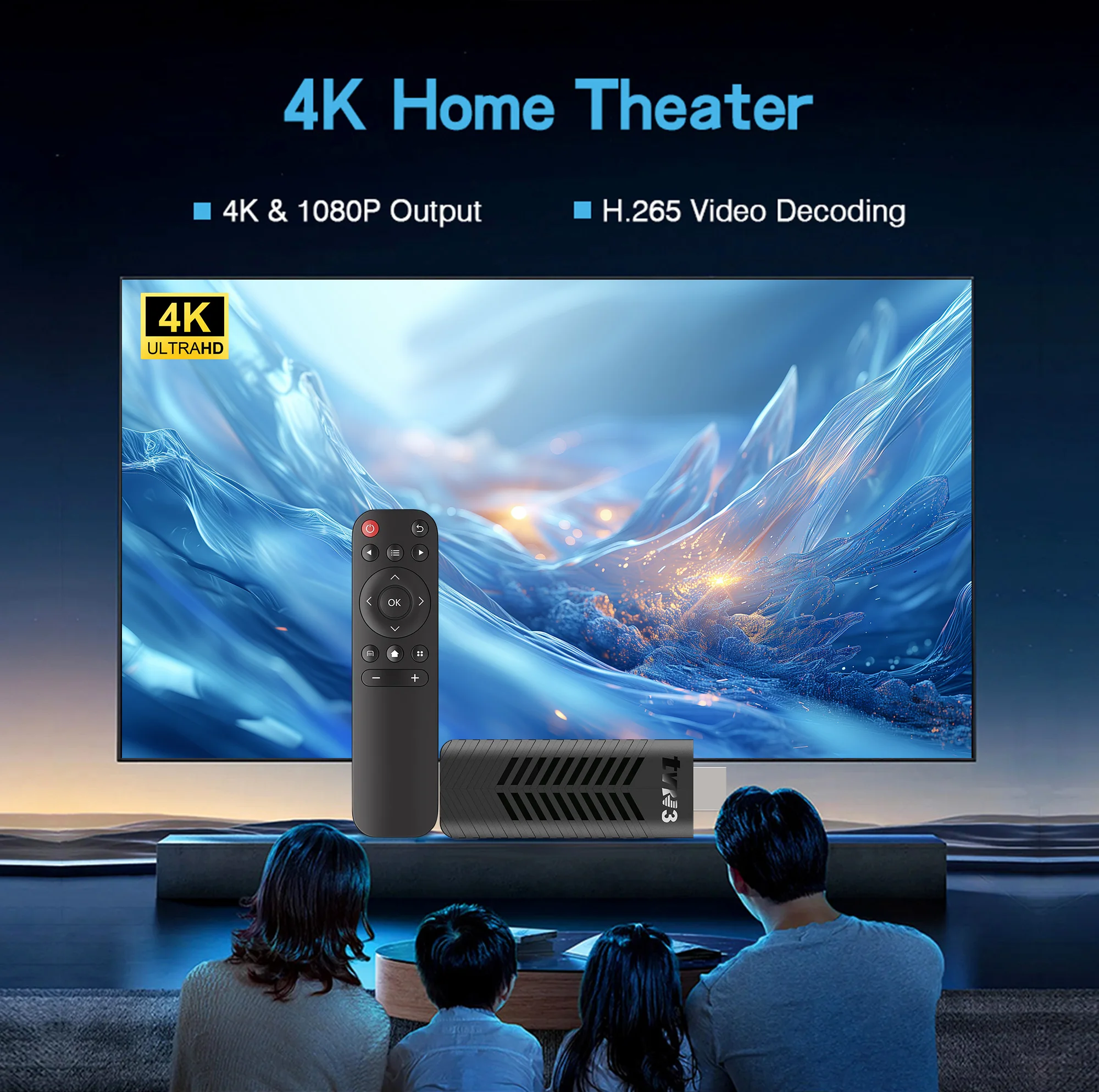
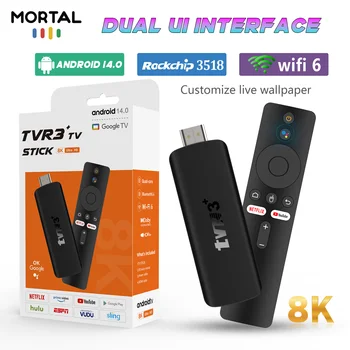
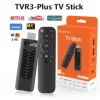
Andriod TV Stick Smart 4K HD Video TVR3 Plus Streaming Media Player 1G RAM 8G ROM Remote Control Video Games 2.4G WIFI Google
RM 22.72RM 24.53RM 113.58RM 122.66 Excl. SST (-80%)

How to install TVR3 Plus TV Stick?
1: Connect one end of our standard HDMI cable to the HDMI port of the TV Stick, and the other end to the HDMI port of the TV
2: Use a 5V, 2A power plug to connect the TV stick to a 100-240V power supply, and fully insert the infrared signal receiving line into the infrared port of the TV stick.
3: Wait for the machine to automatically start, open the network settings, connect to the network, and you can surf the Internet normally.
Please be sure to connect the HD cable to the TV Stick first, and then connect the power adapter to the TV Stick.
Incorrect connection may cause problems such as screen freeze, distortion, and insufficient signal.


What’s in the TV stick
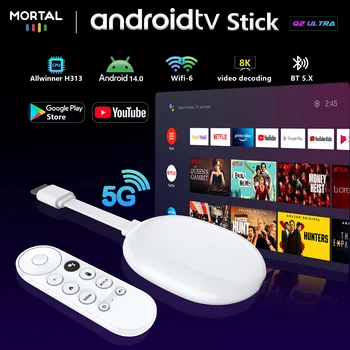
1*TVR3 Plus TV stick
1*USB power cable(5V,2A)No power adapter
1*HDMI cable
1*Infrared remote control
1*manual
1*Packaging Box


Usage precautions:
1.How to use Netflix
(1) Please connect the machine to WiFi, open the application, find the black Netflix software, and click to open.
(2) After clicking to open Netflix, click the mouse switch button on the remote control on the login interface to switch the remote control to mouse mode, and then click the login button of the software.
(3) Click the mouse button again to switch the remote control to remote control mode, enter the account and password to log in.
(4) Click the mouse mode button on the remote control again to switch the remote control mode to mouse mode. Use the mouse mode of the remote control to click the video to play.
2. Disney and other software cannot solve the problem. Disney software may not be compatible and cannot be used for a long time. If you need to use Disney software, please choose your purchase carefully to avoid unnecessary disputes. Based on the actual product!
3.Machine startup problem*
(1) Product startup: It is normal for the product to start up slowly for the first time. Each product has different configurations, so the startup time is also different.If the startup is slow, please wait patiently and do not unplug the power supply. For customers who have high requirements for startup time, please choose products with high prices and configurations in our store.
(2) If there is no signal when starting up, it is because the user has used an HDMl cable and power cable that don’t match the product. Please be sure to use the accessories provided by us and do not replace the cables at will .lf there is no signal when the machine is turned on, it may be that the user’s TV has multiple HDMl interfaces. The user can use the TV remote control to switch to the correct signal source, and the TV will display the picture normally.
Additional information
| Weight | 10 lbs |
|---|---|
| Dimensions | 4 in |
| Brand Name | LVMAO |
| Origin | Mainland China |
| High-concerned chemical | None |
| Antenna Type | Internal |
| Wi-Fi Range | 20-50m |
| Hard Disk Capacity | < 100GB |
| Operation System | Android |
| Type | High Definition |
| Picture Format | JPEG |
| Item Type | TV stick |
| Function | IR Control |
| Decode Ability | 1080P (Full-HD) |
| Transmission distance | <50m |
| Certification | RoHS |
| Resolution | 4K |
| Wi-Fi Frequency | 2.4 GHz |
| Remote Control | Included |
| battery | no |
| loudspeaker | no |
| Choice | yes |
Reviews
There are no reviews yet.